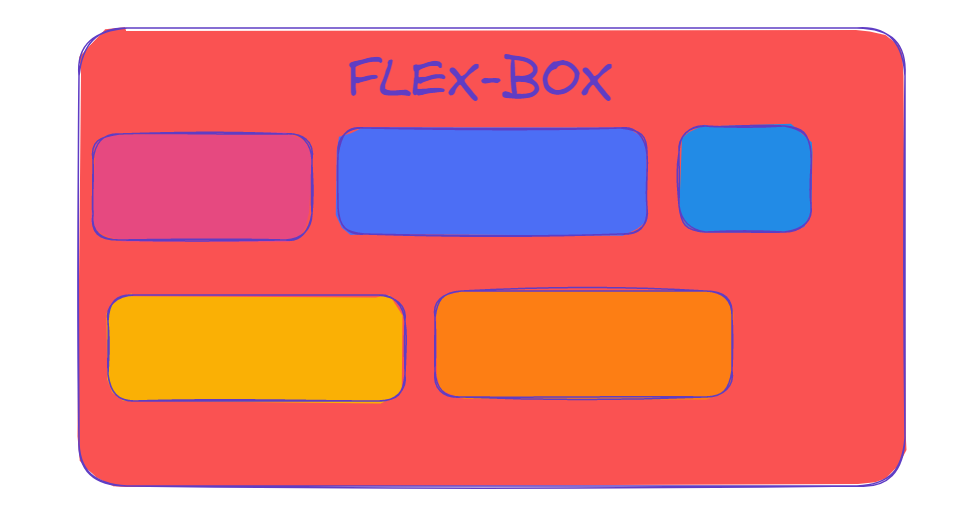
The browser renders every element as a rectangular box as per the standard CSS basic box model.
Box Model Parts
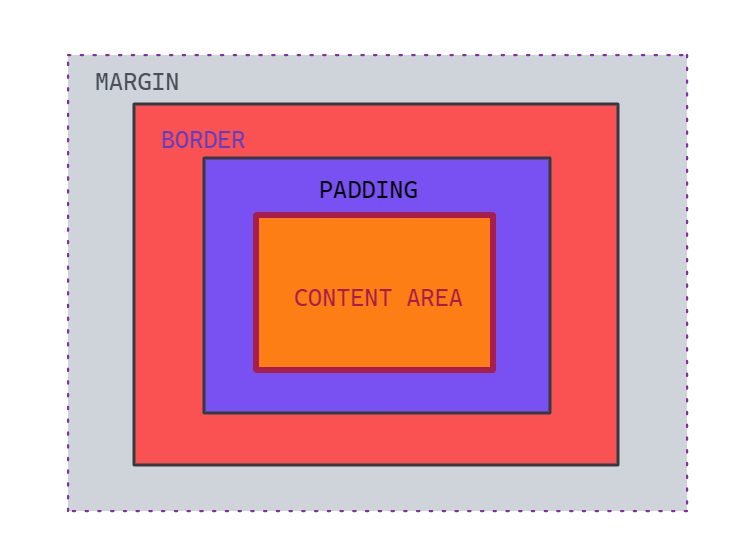
There are four parts to every box which are defined by their respective edges i.e. the content edge(content area), padding edge(padding area), border edge(border area), and margin edge(margin area).
Content Area
All the real content of the element is kept inside the content area that is bounded by the content edge.
The dimensions of this are content-box width and content-box height.
Padding Area
Syntax: padding: top | right | bottom | left
This area is bounded by the padding edge. It extends the content area to include the element's padding.
The dimensions are the padding-box width and padding-box height.
The values are declared in
px,em,rem,percentage, etc.
Border Area
Syntax: border: width border: height
The border edge binds the border area.
After the padding area, border area exists. Its dimensions are the border-box
widthandheight.If the
box-sizing: border-box, the border area's size can be explicitly defined with thewidth,min-width,max-width,height,min-height, andmax-heightproperties.
Margin Area
Syntax: margin: top | right | bottom | left
This area is bounded by the margin edge and it extends the border area.
It includes an empty area that is used to separate the element from its neighbors.
The top, right, bottom, and left border is set by specifying length for
top,right,bottom,left.
Note: When margin collapsing occurs, the margin area is not clearly defined since margins are shared between boxes.
Diagram
Thank you for reading.